Docs directory
Hide, Disguise & Lock
Watching the market stays your business.
Camovia Tray's privacy design serves one goal: you can check the market comfortably in any environment. Hide, disguise, and lock are all one click away.
On this page
Hide the MT5/MT4 main window
Hide the terminal's main window from the tray menu: it disappears from both the taskbar and the Alt+Tab switcher, so no one can find it the usual way.
Only the window hides - the terminal keeps running in the background, quotes and positions keep updating, and your pending orders and EAs are unaffected.
Restore the window
- 1 Open the tray menu (right-click the tray icon, or via the popup menu)
- 2 Choose "Show MT5/MT4"
- 3 The window returns to its exact previous position and size
Disguise the tray icon
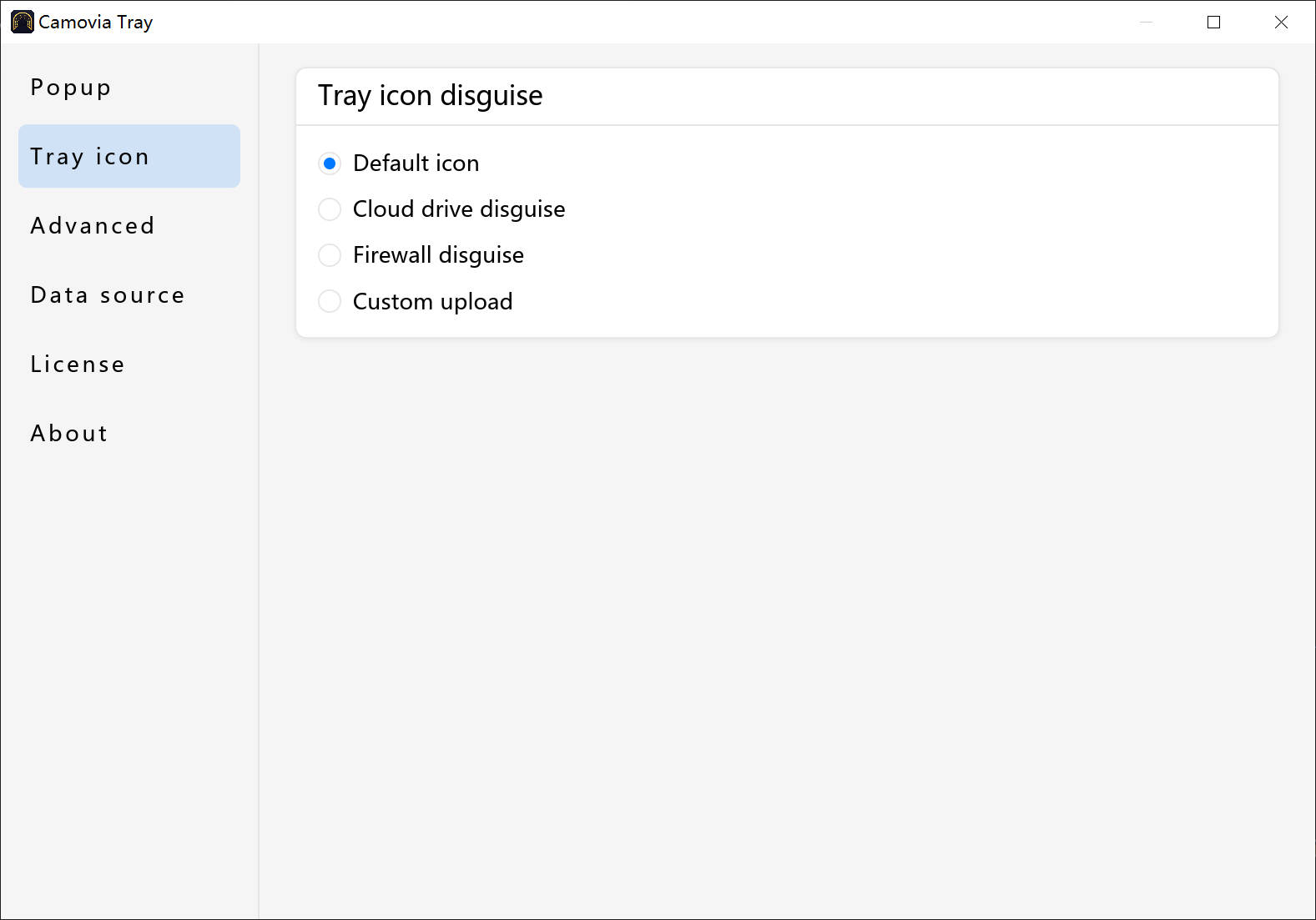
The tray icon can switch to common styles like a cloud drive or a system tool, so market watching blends into your normal work environment.
Tray lock
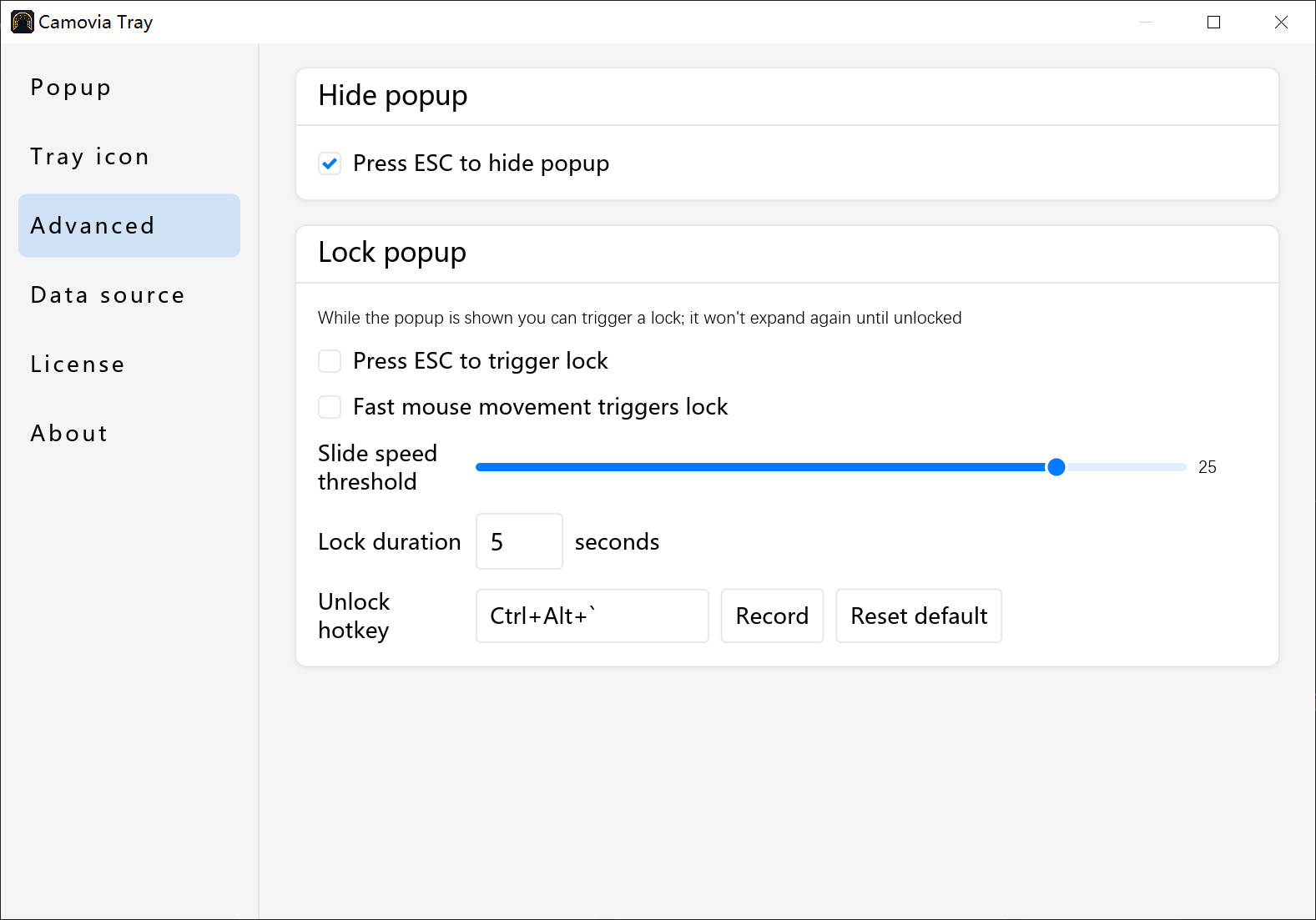
Lock the tray in one click at key moments: while locked, others can't view your quotes and positions from the tray, keeping your information private. Unlock when you're back and everything returns to normal.
Where is your data?
Quotes and positions are read 100% from your local MT5/MT4 terminal. Nothing passes through external servers, and nothing is uploaded. See the privacy policy for details.
Related
Not installed yet?
Download Camovia Tray free — 2-day trial, subscriptions from $2.49/month.