MT4/MT5 Tray Assistant
Silent Tracking
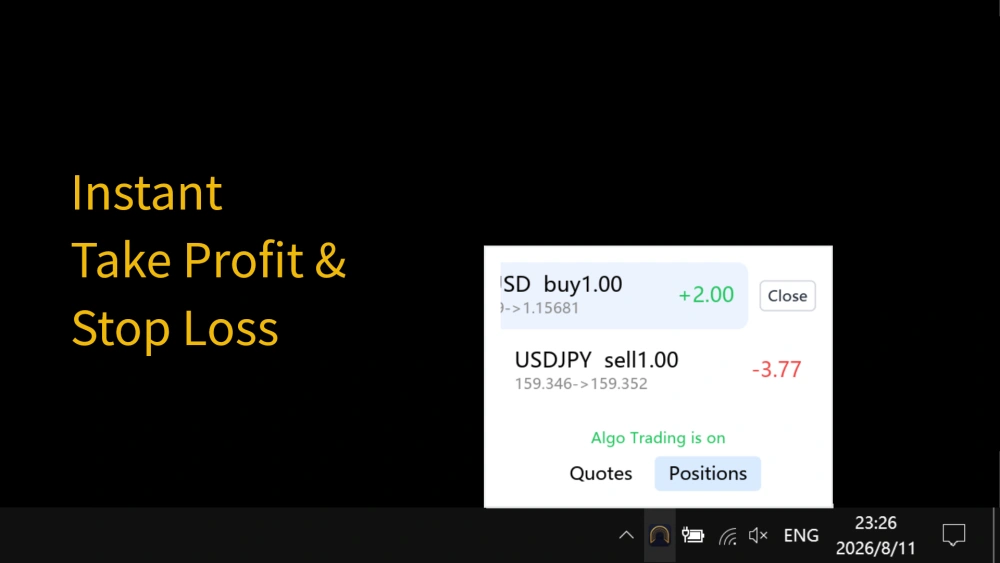
One-Click Close
- Seamless MT4/MT5 Integration: Syncs account data in real time without constantly toggling between heavy terminal windows.
- Always-on System Tray: Runs quietly in your taskbar, keeping your workspace clean and free of bulky UI clutter.
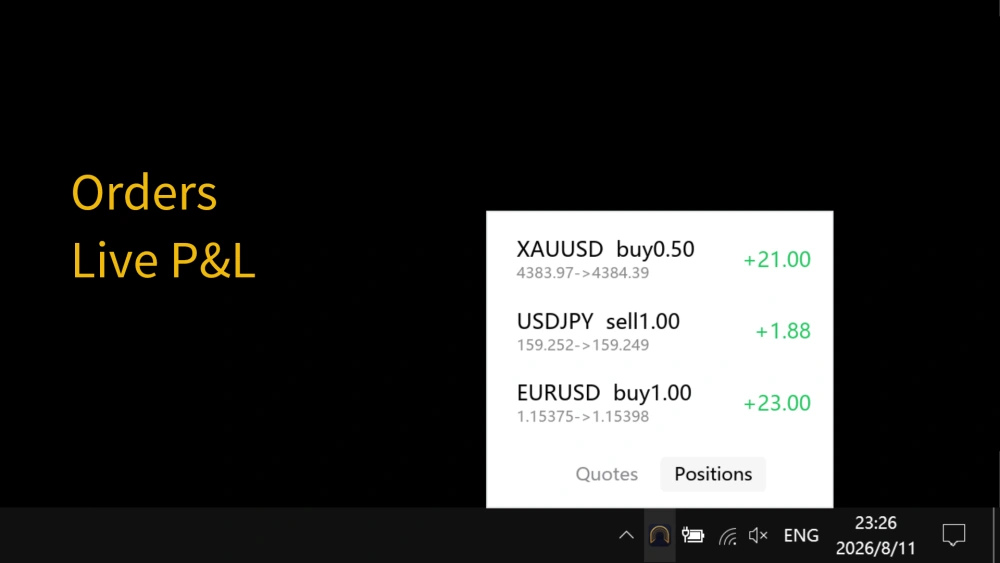
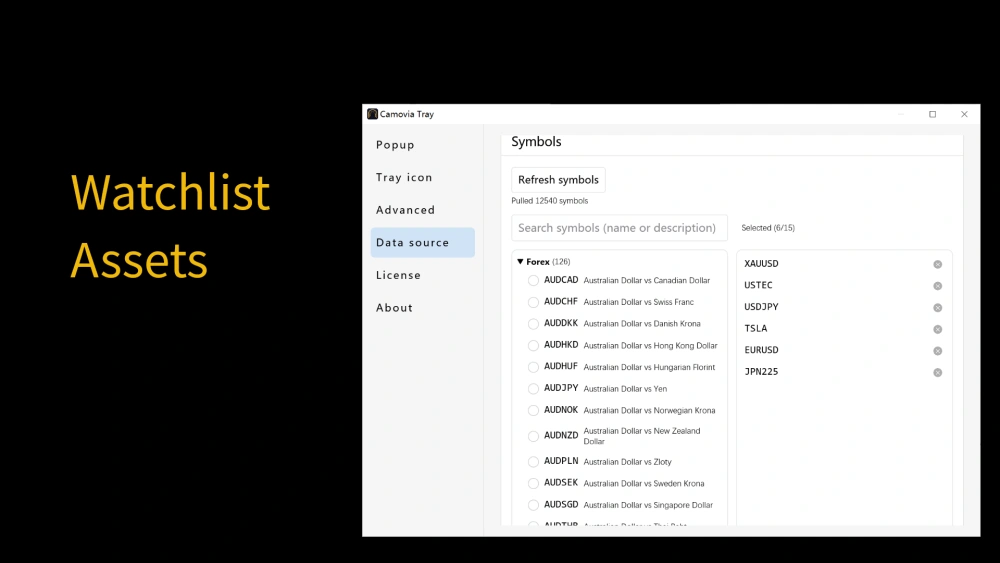
- Instant Position Control: Check live quotes at a glance, monitor open orders directly from the tray, and execute instant full closes.
Privacy-First Market Watching
Check quotes and manage positions easily while keeping your privacy safe.
Hidden Trading Interface
Hide the MT5/MT4 main window with one click - it disappears from the taskbar and Alt+Tab list. Positions and viewing behavior stay unseen.
Discreet Tray Icon
The tray icon can disguise itself as common icons like cloud drives or system tools. Watching behavior blends into your daily work environment, drawing no attention.
Instant Hover Quotes
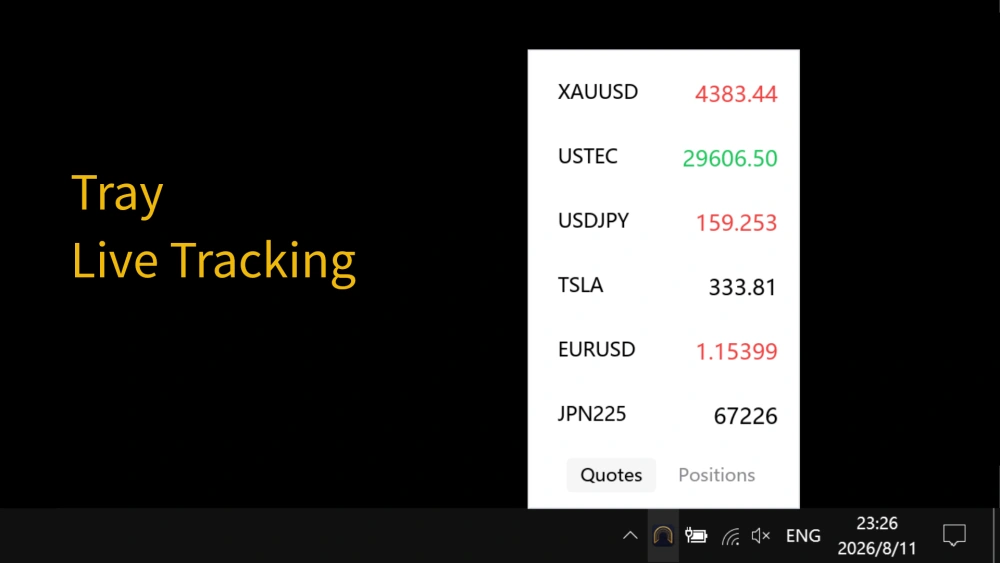
Hover over the tray icon to see live quotes and manage positions - no need to open the MT5/MT4 window. A genuinely convenient way to keep an eye on the market.
Secure Lock
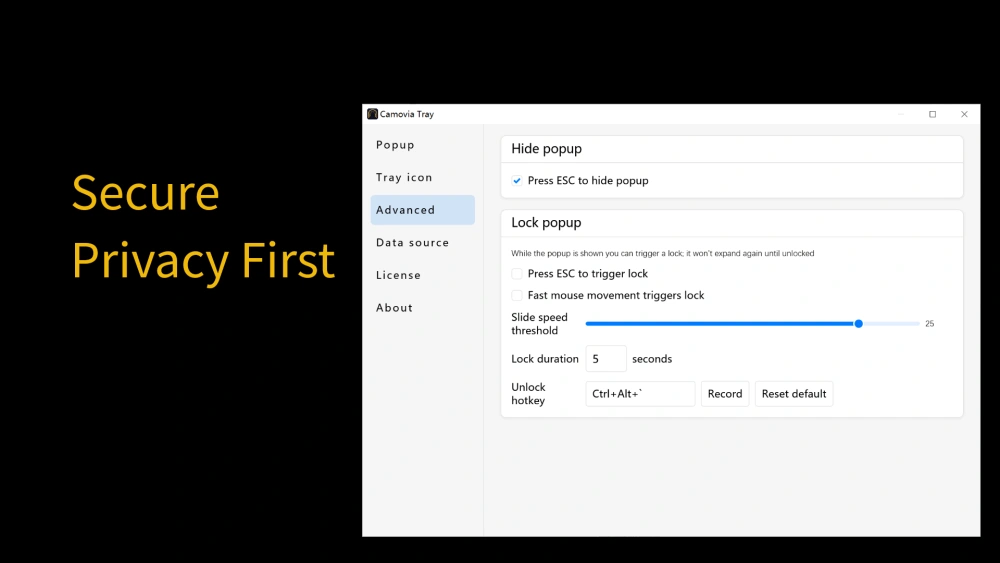
Quickly lock the tray function at critical moments to protect your privacy and prevent private info from leaking.
Hidden in Plain Sight, Crystal Clear
A subtle touch in the tray - quotes and position management on hover.
Compatible, Local, Affordable
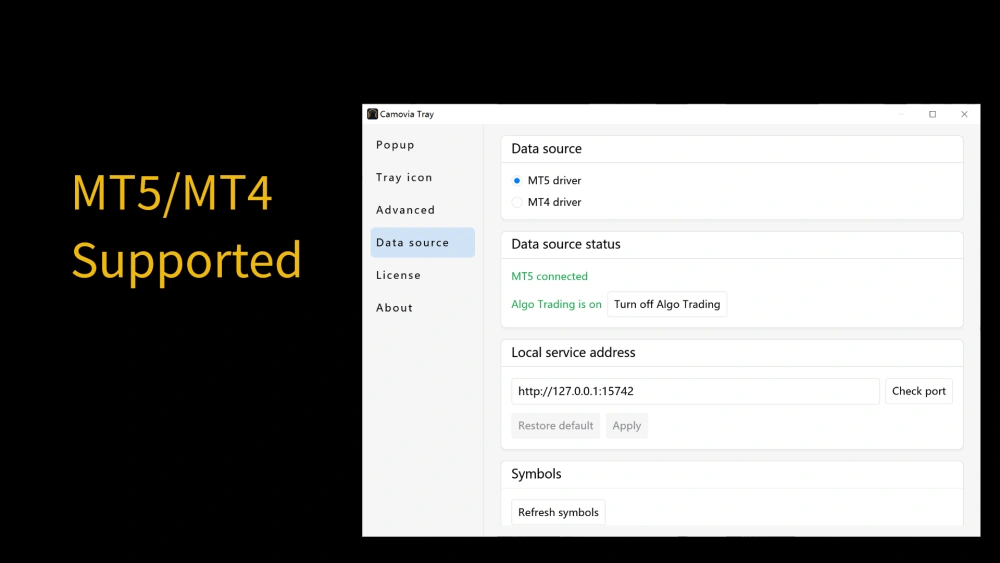
Camovia Tray runs on Windows 10 and Windows 11, works with the MetaTrader 5 and MetaTrader 4 terminals (MT4 needs a one-time bridge EA attach), and reads quotes and position data 100% from your local terminal — nothing is uploaded.
Windows 10 & 11
Native desktop tray app, available from the Microsoft Store.
MT5 / MT4
Reads live quotes straight from your local MetaTrader 5/4 terminal.
From $2.49/month
Free trial to start — see the full pricing on our pricing page.