MT4/MT5 Tray Assistant
Download Camovia Tray
Silent Tracking · One-Click Close
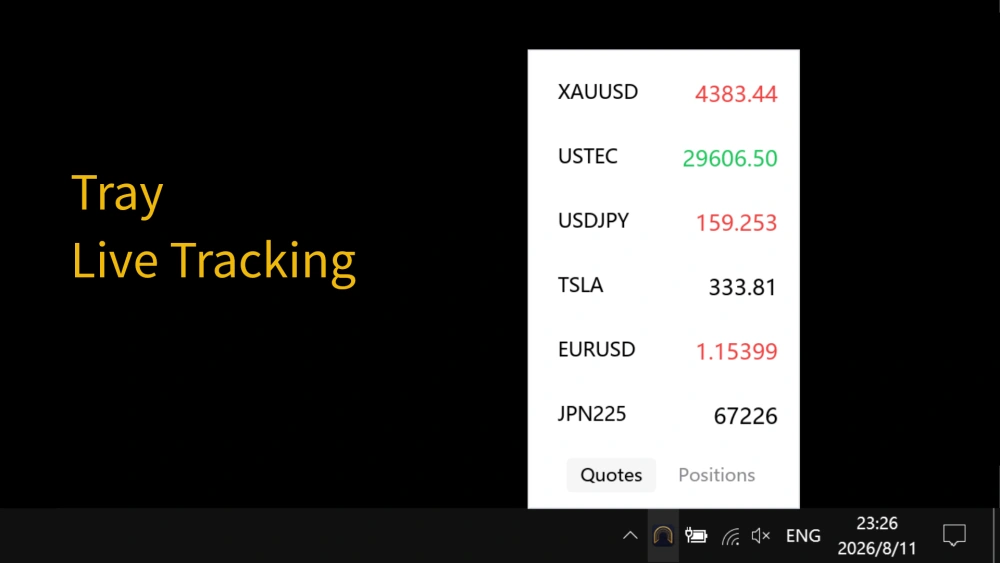
Hover the system tray for live quotes, manage positions, and close with one click - or hide the terminal window entirely.
Every install starts with a 2-day free trial.
Up and running in three steps
Install
Get it from the Microsoft Store. Once installed, it lives quietly in your system tray.
Connect your terminal
Sign in to MT5/MT4: MT5 connects directly with no EA; MT4 needs the one-time bridge EA (~30 seconds).
Hover and go
Hover the tray icon for quotes, manage positions, and close with one click - no terminal window needed.
Want the details first? The Quick Start guide covers every step.
What it does for you
Hover Quotes
Hover the tray icon to pop up live prices for your watchlist; move away and it hides.
Positions & One-Click Close
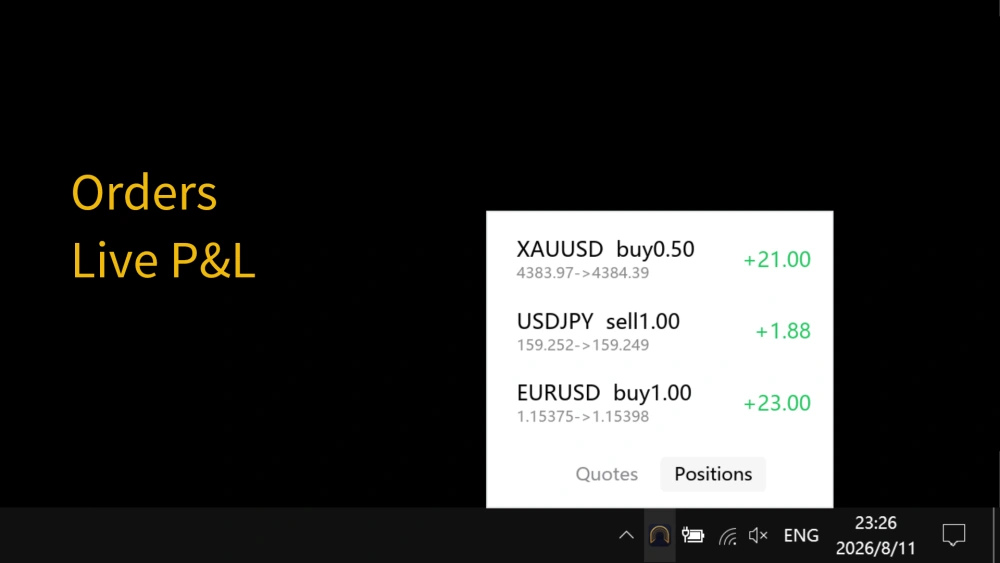
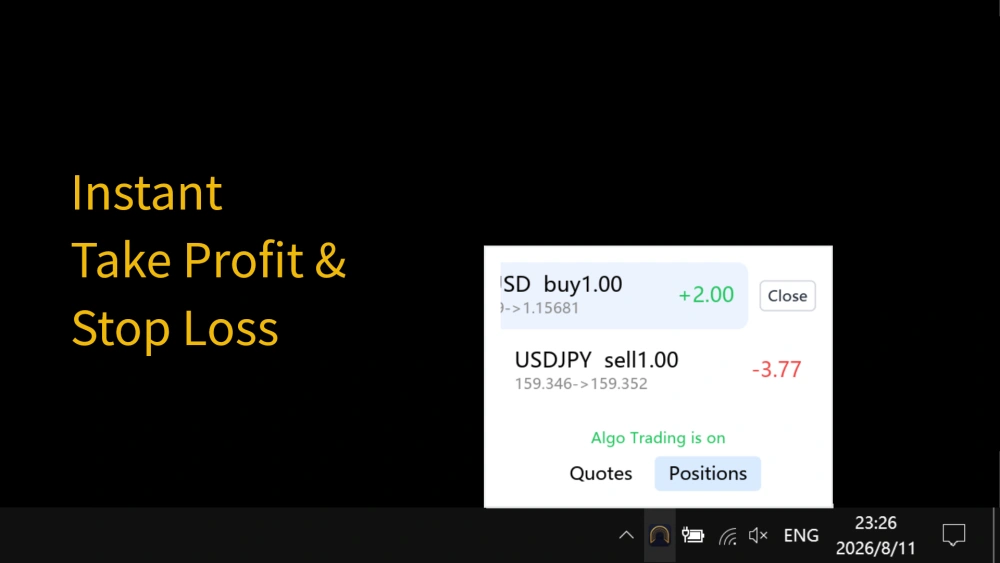
The Positions tab shows open positions with live P&L - click an order and confirm to close it.
One-Click Hide
Hide the MT5/MT4 main window - gone from the taskbar and Alt+Tab, back in one click.
Tray Icon Disguise
Disguise the tray icon as a cloud drive or a common system tool - market watching stays low-key.
Tray Lock
Lock the tray in one click at key moments so no one can view your quotes and positions.
A look inside
Transparent pricing - try before you buy
2-day free trial for new users; subscriptions from $2.49/month ($6.99 / 3 months, $13.49 / 6 months, $23.99 / year) - every plan includes every feature.
Requirements & connection
MT5: direct, no EA
The app detects your local MetaTrader 5 terminal automatically - nothing to attach. Sign in to the terminal and you're done.
MT4: one-time bridge EA
MT4 has no official external API, so it needs the bundled bridge EA attached once (~30 seconds; auto-restores on restart). See the setup steps.
System requirements
- Windows 10 or later (including Windows 11)
- A local MetaTrader 5 or MetaTrader 4 terminal, installed and signed in
Before you download
Are my quotes and positions uploaded anywhere?
No. Quote and position data is read 100% from your local MT5/MT4 terminal and never leaves your computer.
Is there a free trial?
Yes. New users get a 2-day free trial on first activation (once per device and per email), then decide whether to subscribe.
Can it replace MT5/MT4 for trading?
No - it is a local shortcut tool: hover for quotes, manage positions, and close with one click. Full trading like opening orders still happens in your terminal, and the app never holds your funds.
Does MT4 need extra setup?
It needs the bundled bridge EA attached once (~30 seconds; auto-restores when MT4 restarts). MT5 needs no setup at all. See the docs for details.
How do I restore the MT5/MT4 window after hiding it?
Choose "Show MT5/MT4" from the tray menu - the window returns to its previous position instantly.
More questions? See the full FAQ.
Start your 2-day free trial
Installed already? Get up to speed in three minutes - or keep the docs handy.